How do I reset a user's Account Password
The resetting of a user's Account Password only applies to those users who do not access IMPOWR via Single Sign-On (SSO).
To reset the Password for an account, open the user's account.

Click 'Edit' to enter Edit mode:

Click the Manage Password icon:

Choose a method to reset the individual's password:
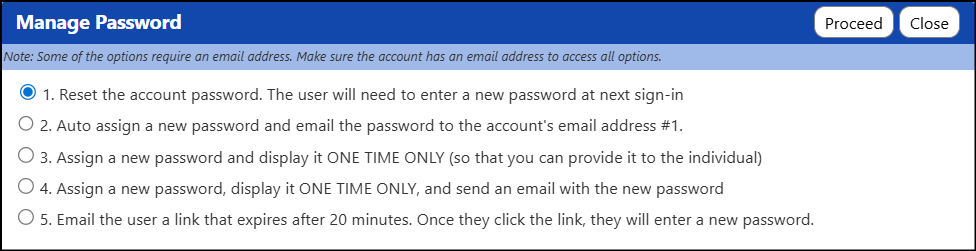
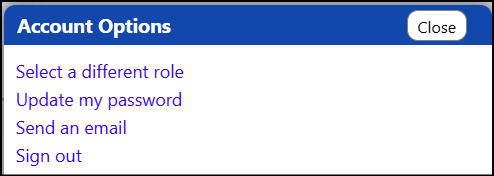
The most commonly used reset method is option 5. Regardless of which method used, users can and should reset their password by clicking on the picture in the upper right corner of their screen...

And select the option to Update my Password:
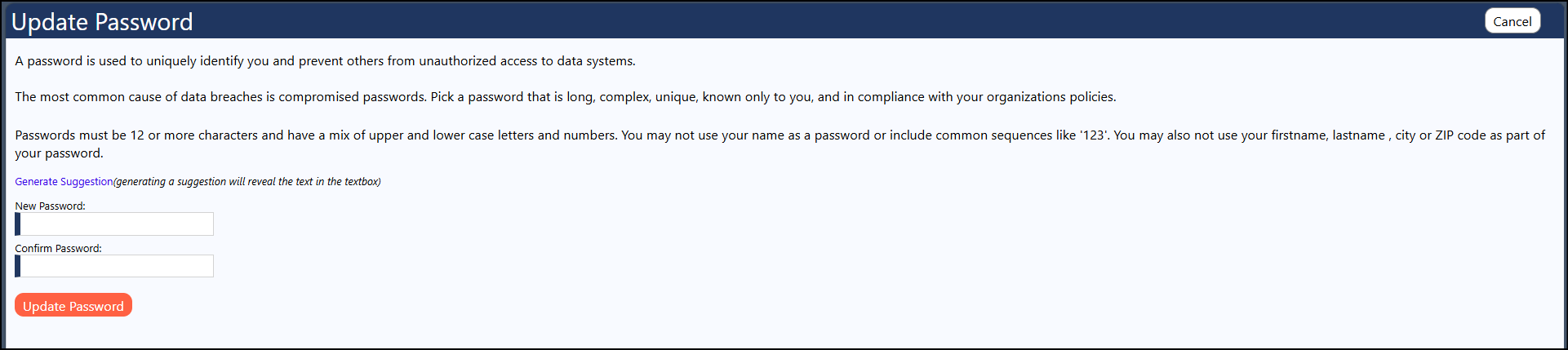
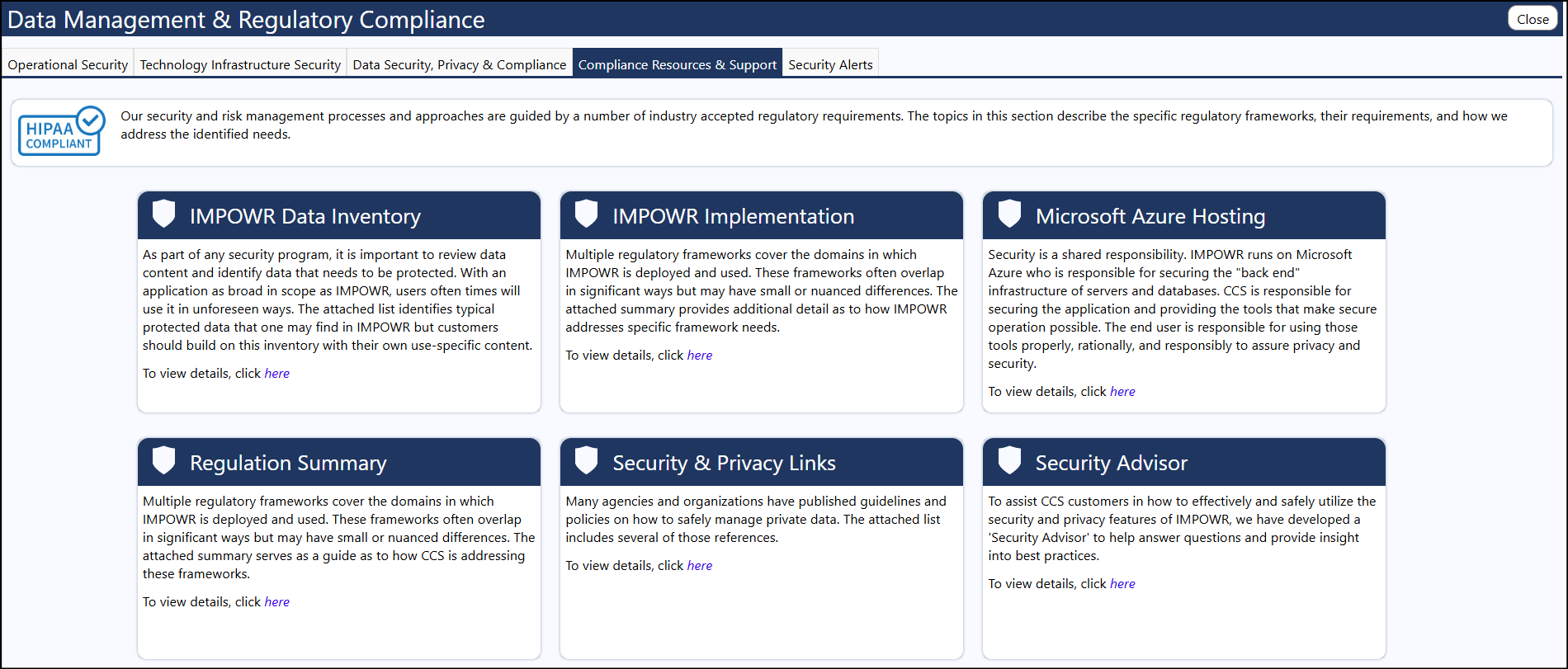
The password rules which have been setup for your organization can be found in the Security Advisor panel, under Regulatory Compliance, in the IT Management section of IMPOWR:
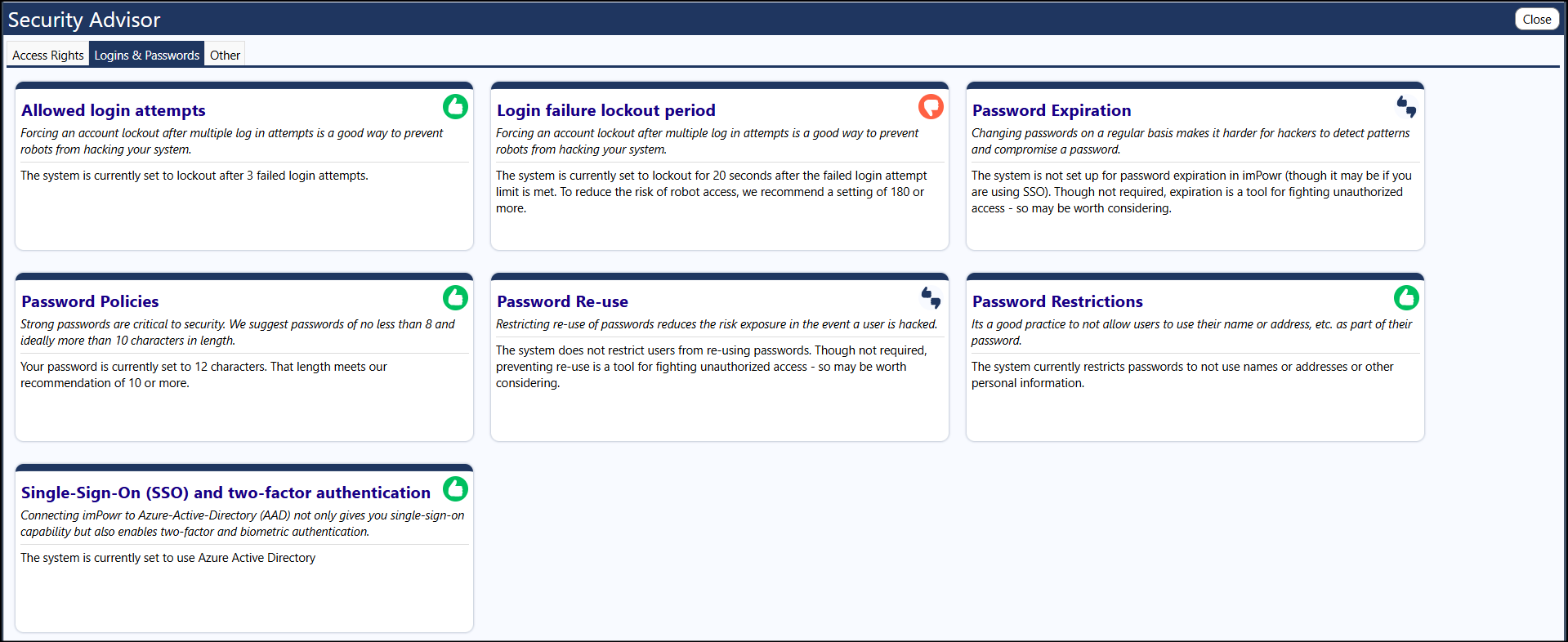
System administrators have the ability to change these rules.