Where can I view the recent changes made to my IMPOWR instance?
Typically, changes are made and released to IMPOWR instances at least every 2 weeks.
You can always view the latest changes by 1 of 2 methods:
1.) When you log into IMPOWR following one of our releases, you will see a banner across the top of the screen displaying the following:

Once you click on that, you will be brought directly to our release notes where you can view the latest changes.
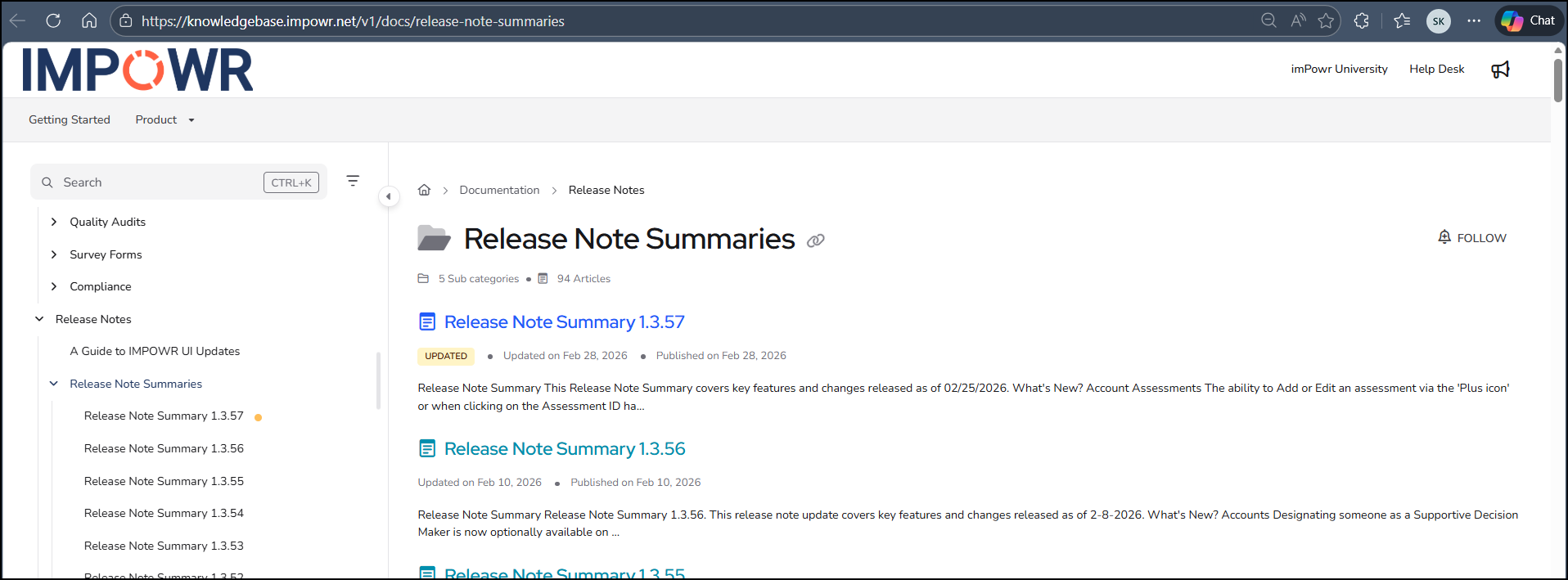
That banner will then go away.
2). The other way to view latest release notes is to go to our Knowledge Base and search for Release Note and you will be able to access and view all of the release notes which summarize the changes we made in each release.
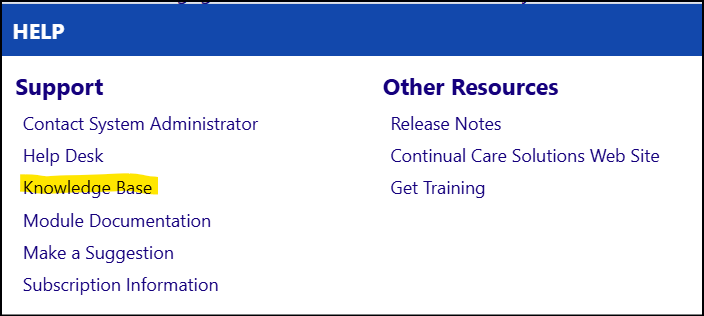
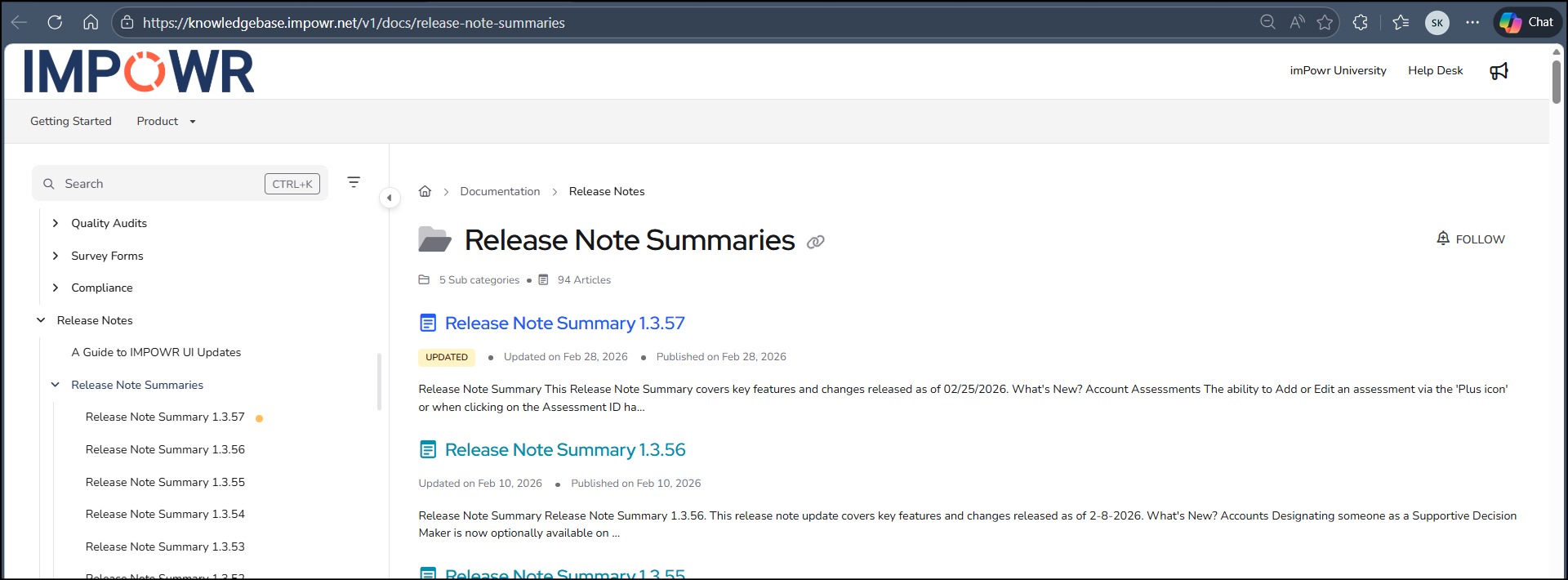
Both of the above methods ultimately bring you into our Knowledge Base.
How do I know which release note applies to the latest changes?
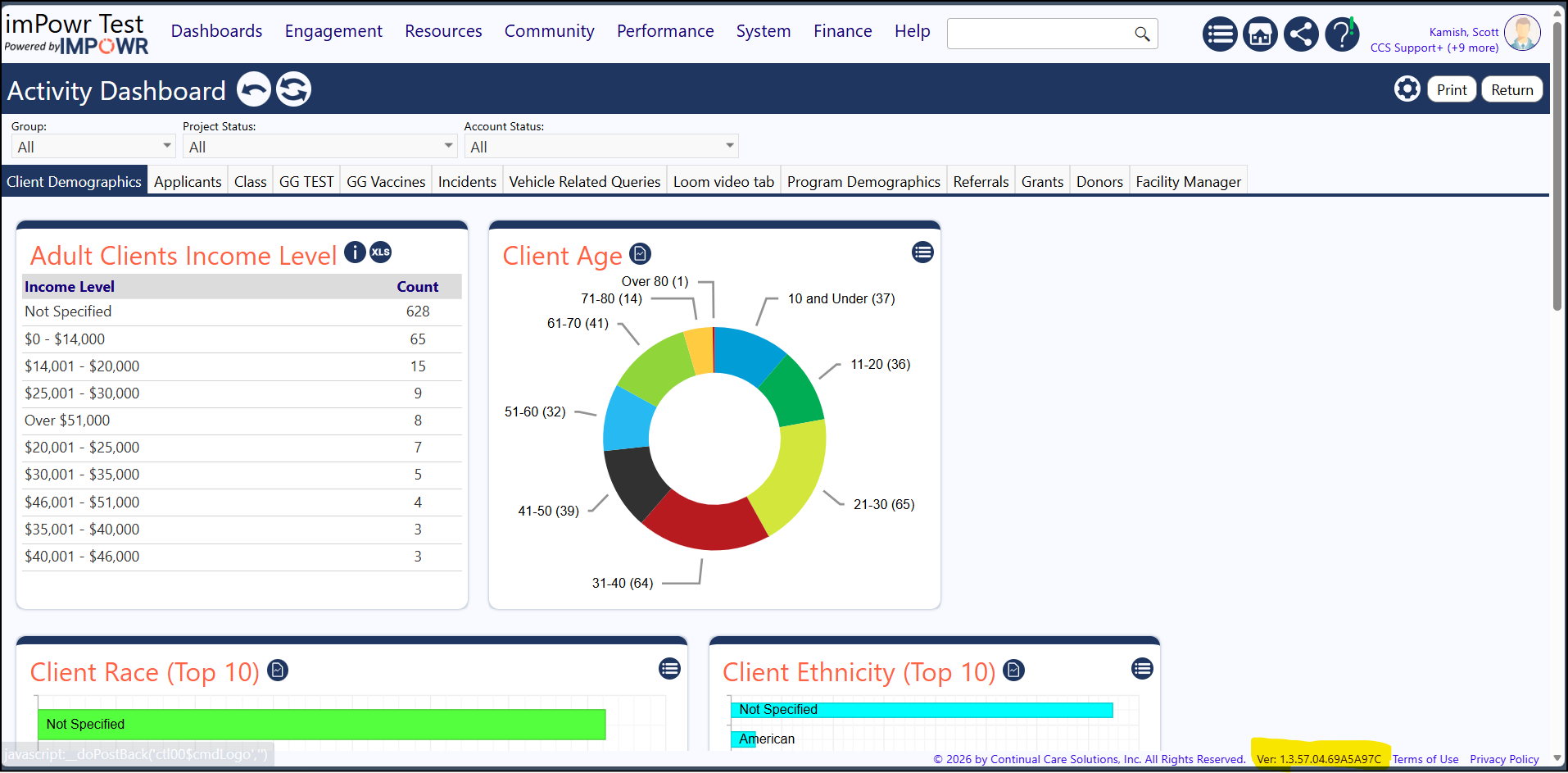
The way you can tell which release your instance is on is to look at the lower right of any screen in your instance. On the bottom of the page, you will see the Version number (example: Ver: 1.3.57.00 or something similar).
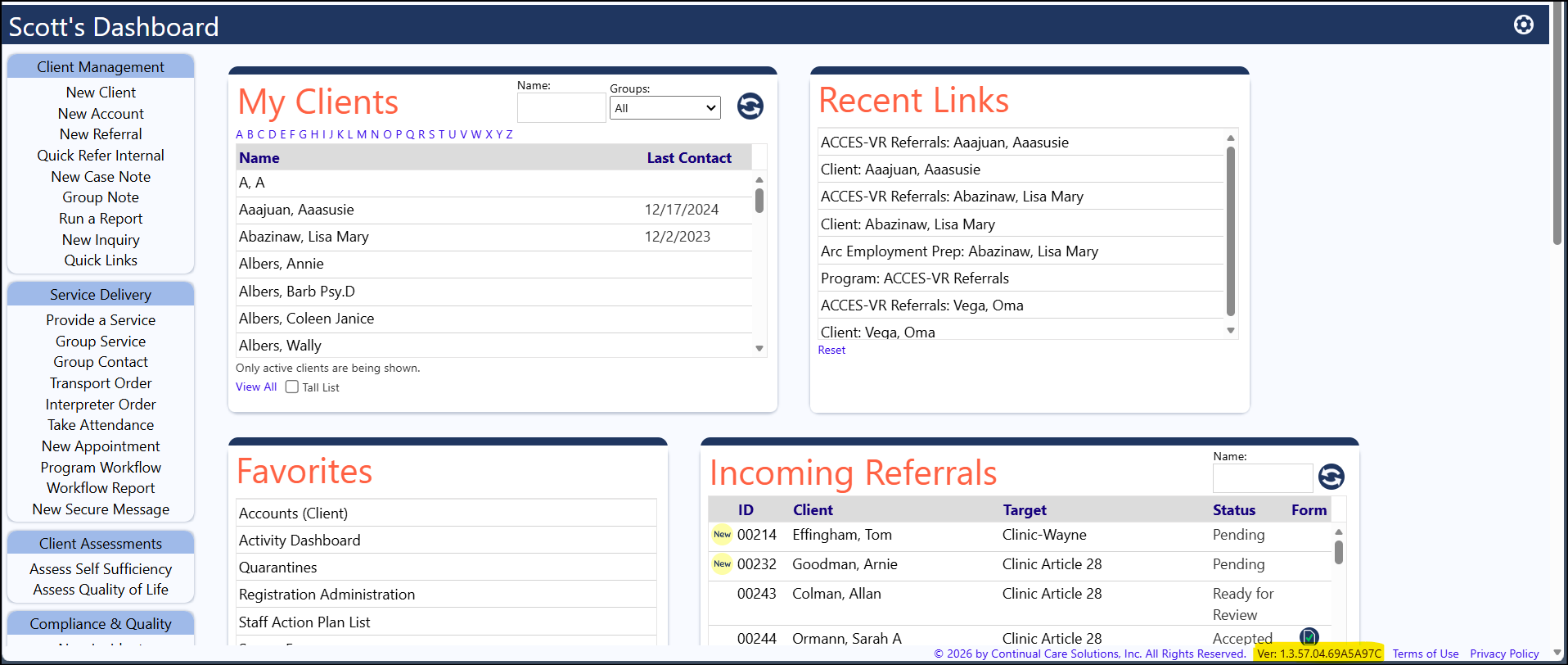
That version number will correspond to a release note.
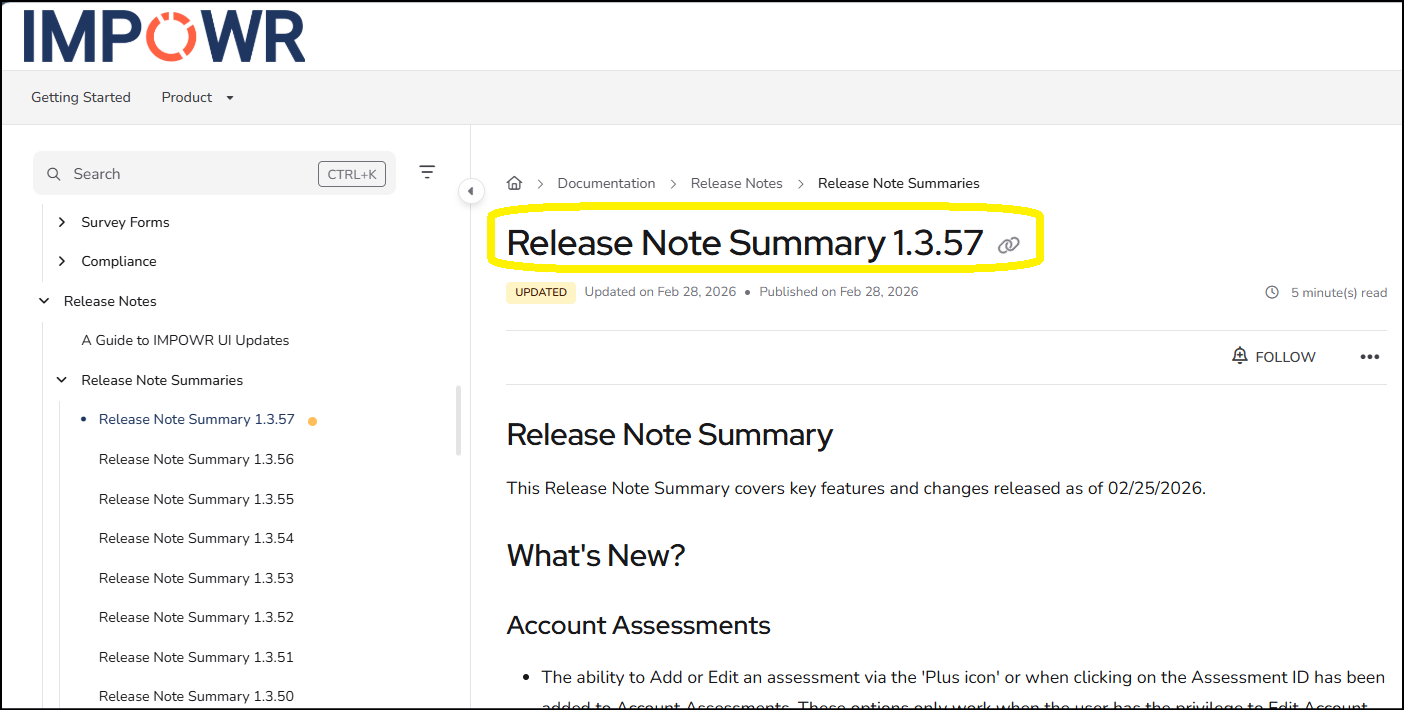
Example: Release Note Summary 1.3.57 corresponds to release 1.3.57.04.69A5A97C:
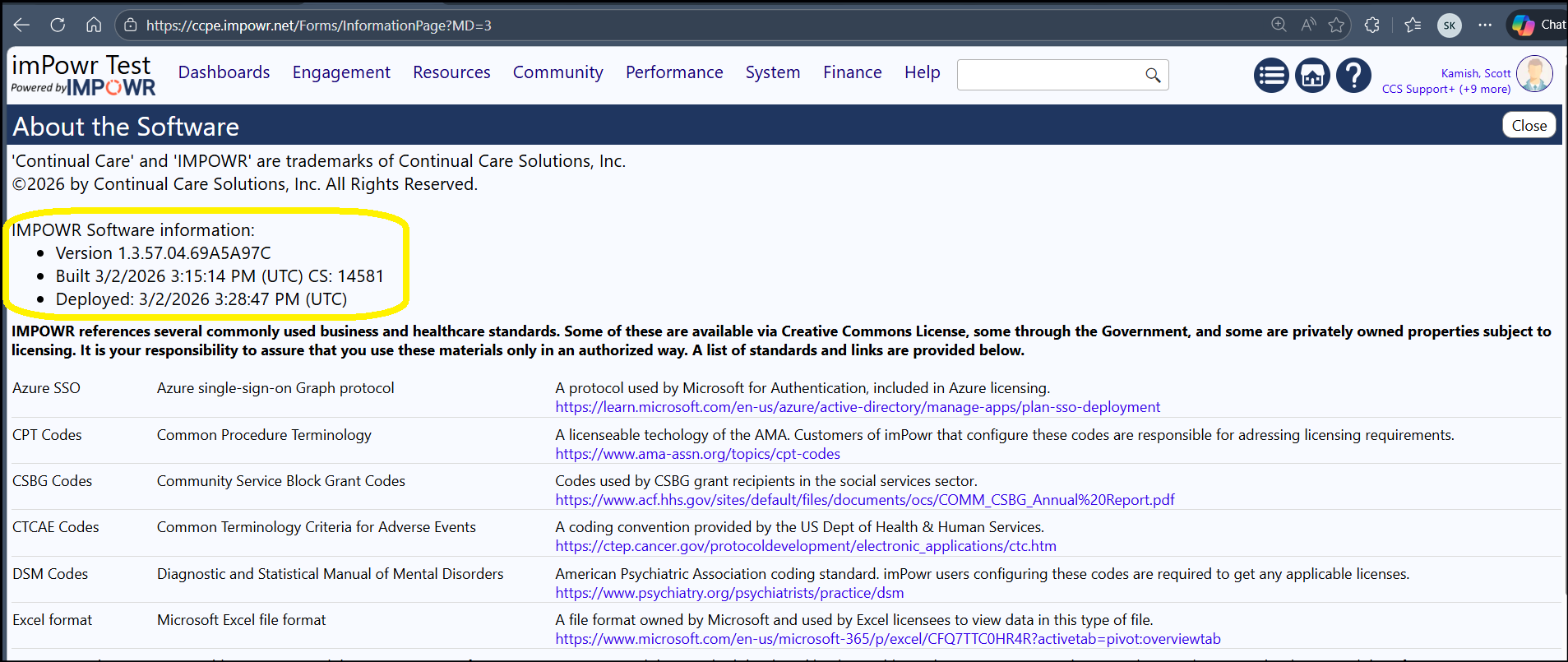
NOTE: If you want to know when that release occurred, click on the version number and you will see when the build was created and deployed to your instance.
As mentioned, releases are typically performed every 2 weeks, but depending on the various issues, we could do it sooner or later.