Users can log into IMPOWR using one of two methods:
1. On the main platform or any portal, users can log into IMPOWR by entering their login or Email address, and their password:
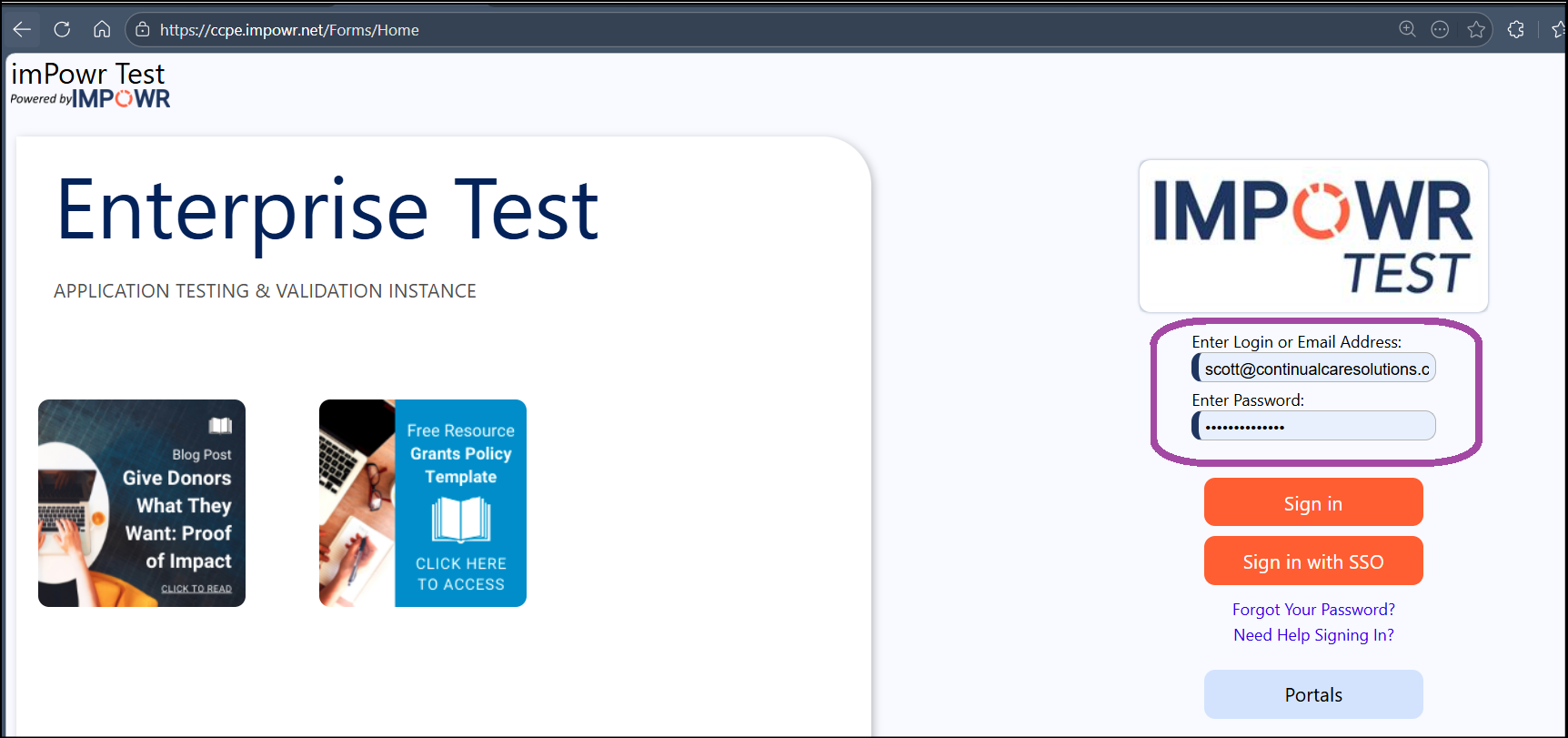
And clicking on "Sign In"
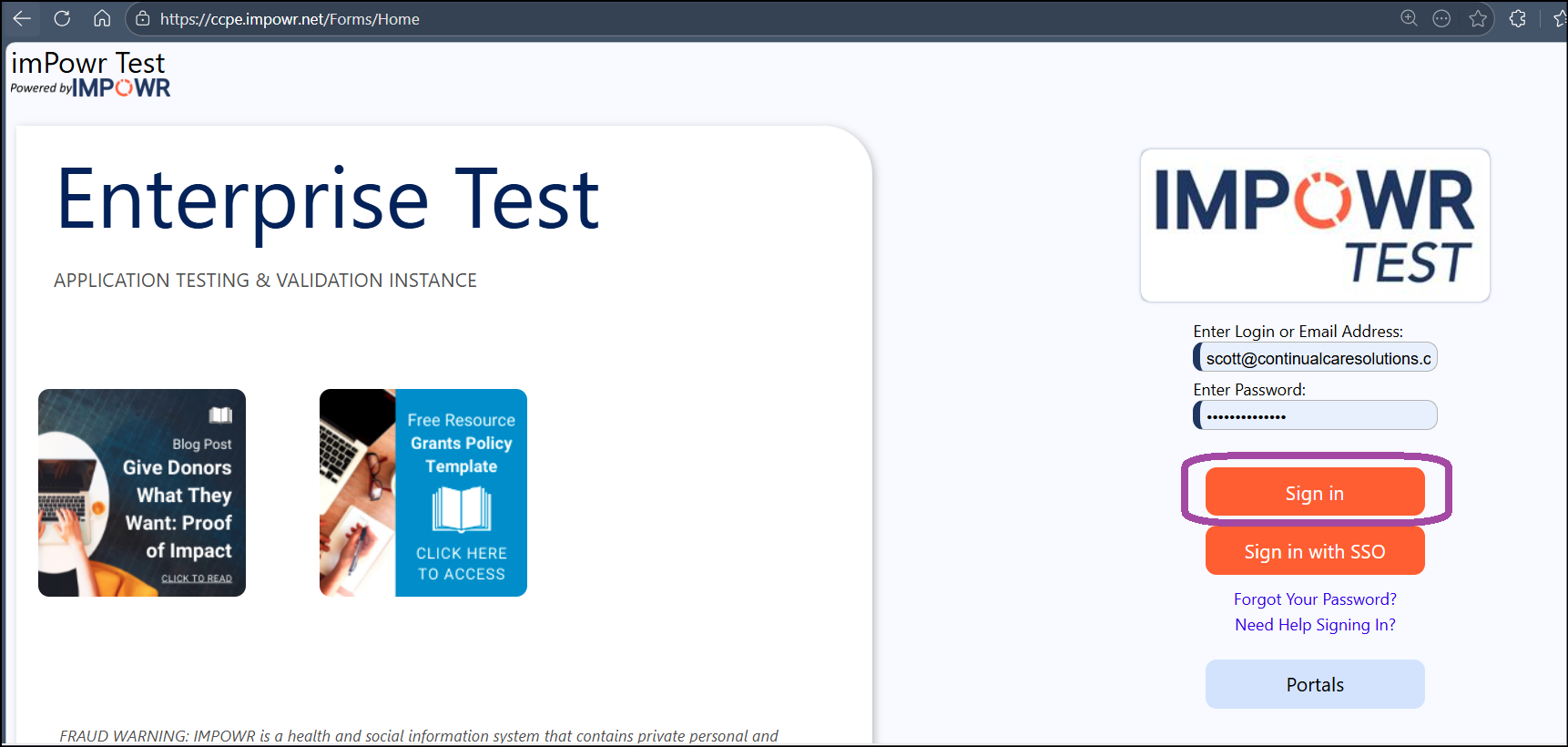
2. They can also login by clicking on "Sign in with SSO" (Single Sign On):
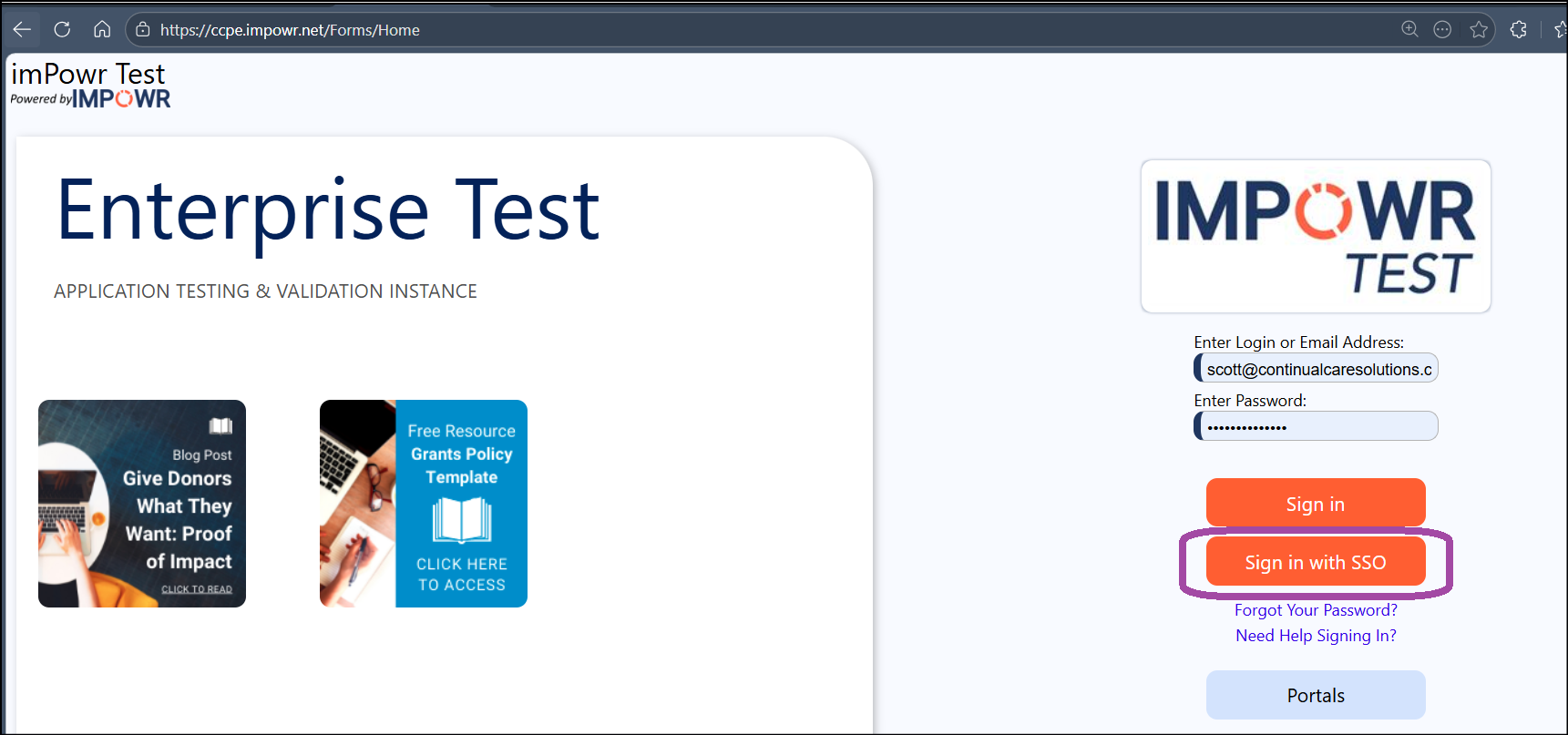
What is the difference between these 2 methods?
For the first method, using the 'Sign In', user emails/logins and passwords are all managed within IMPOWR. Emails are typically captured as part of the intake process and System Admins can change logins and setup initial passwords. Users can then update their password at any time.
For the second method, using 'Sign in with SSO', users are managed by the organization's IT team, who provides and manages access to IMPOWR via Azure Active Directory (completely external to IMPOWR).