This article will explain the steps needed to remove Consent from a client account.
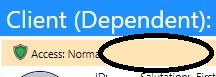
The Consent statement appears at the top of all Client Accounts.
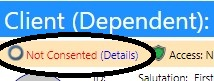
You can remove the Consent from an Account, on the configuration page.
- Access Configuration from the Settings & Security section of the System menu.
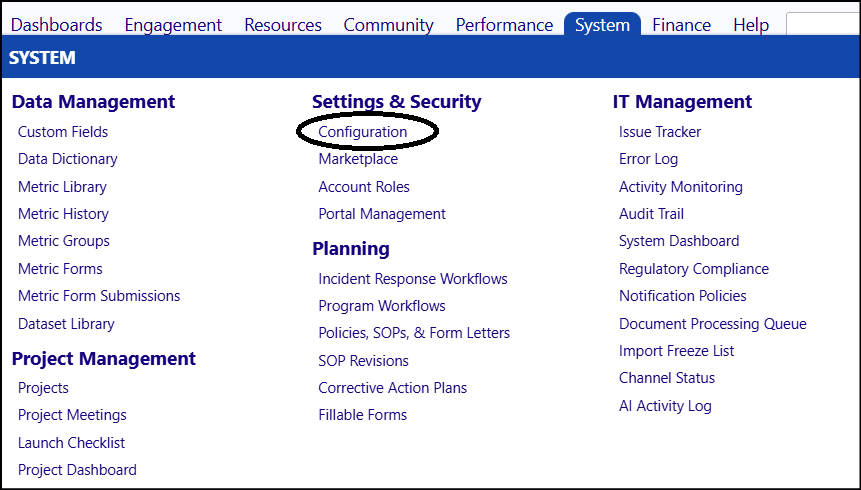
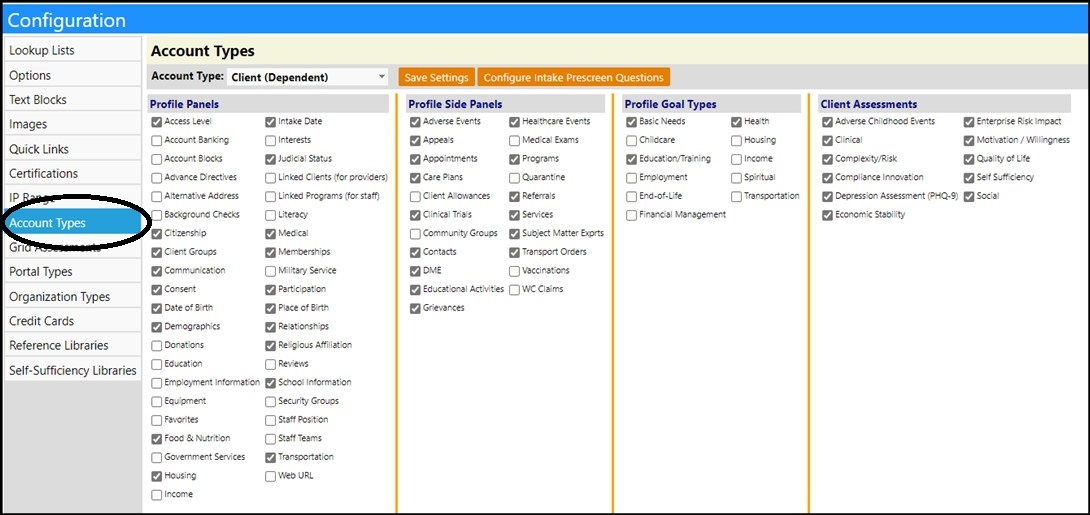
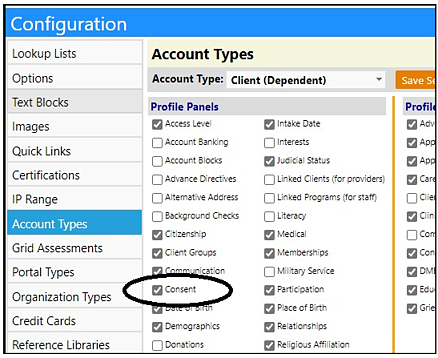
- Select Account Types.
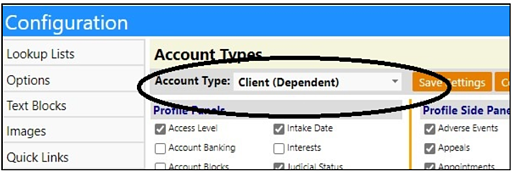
- Choose the Account Type you wish to remove the Consent from, from the drop-down list.
- Uncheck the ‘Consent’ box.
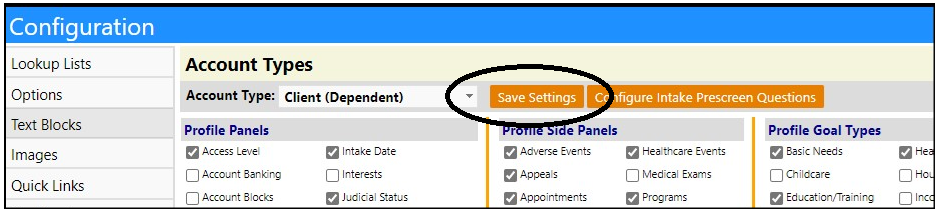
- Click “Save Settings”.
The Consent will now be removed from that Account Type.
Repeat the process for other Account Types.