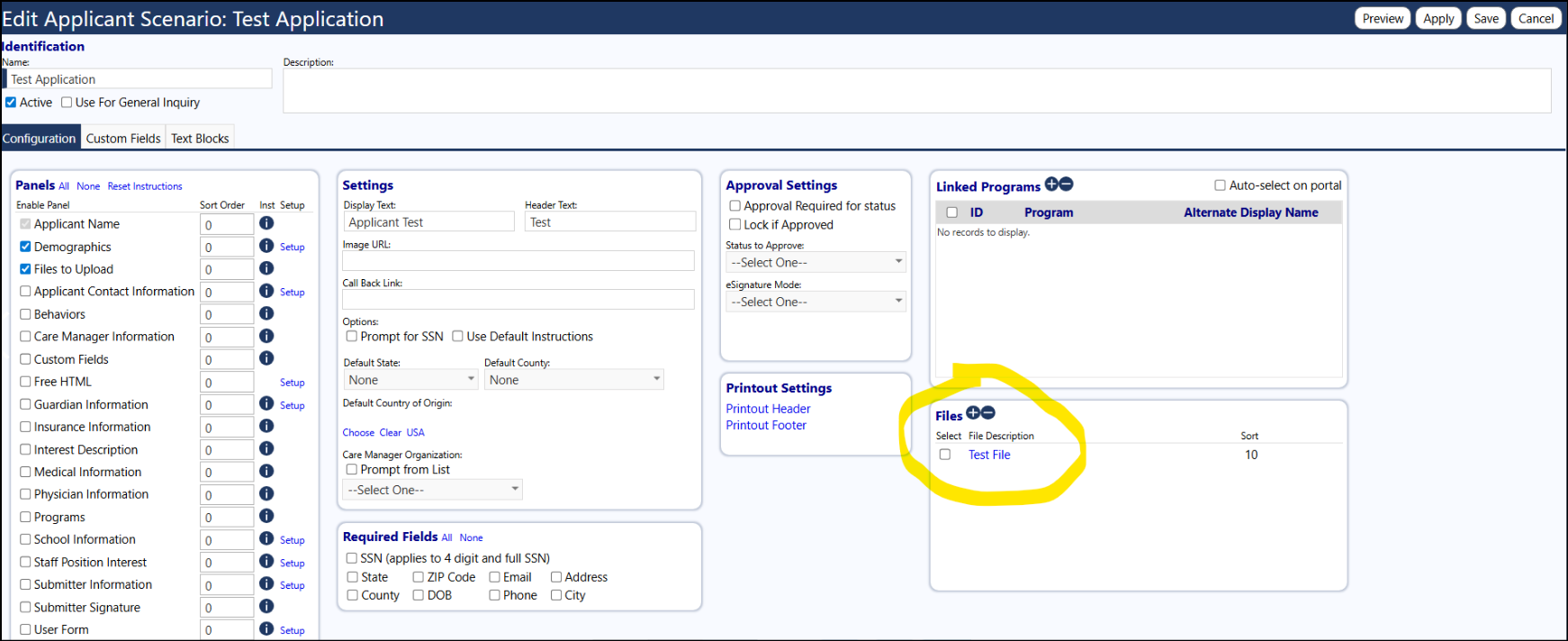
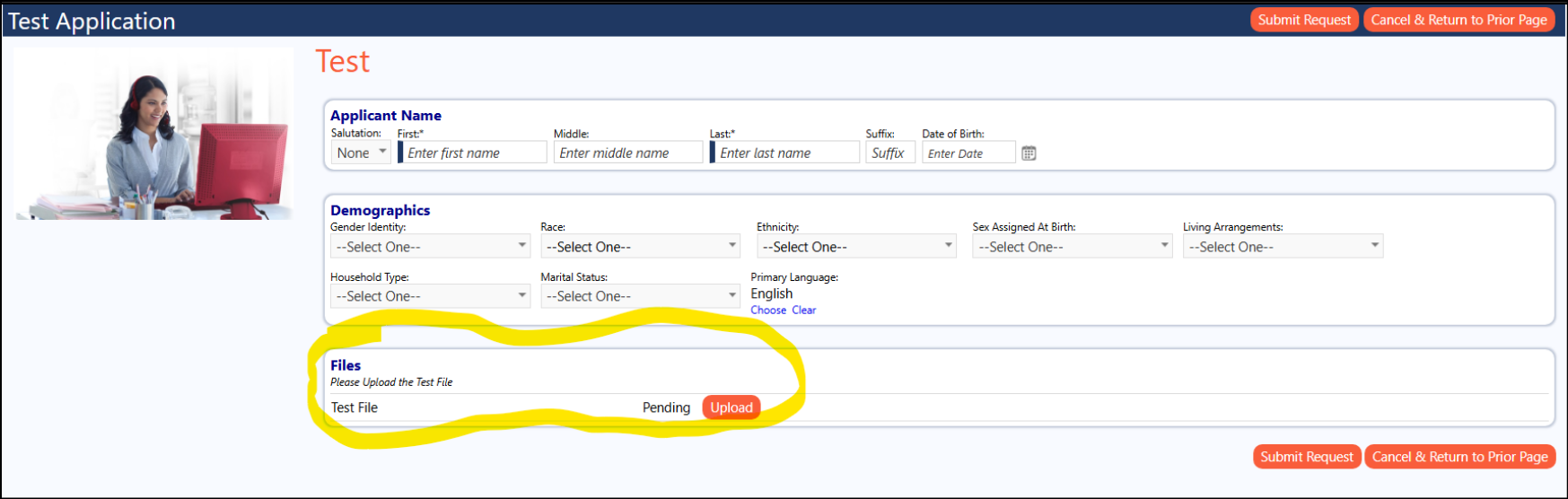
Issue: The Files to Upload option in the applicant portal under Additional Settings appears to have an issue. When it is selected and activated, it does not appear in the applicant portal.
Response:
After you select 'Files to Upload', you then need to identify which files it is that you want uploaded. Those are done in the "Files" panel on that same page in the Applicant settings. Please try that and let us know if you run into any issues.