In the volunteerism screen, you can add a Volunteer as either a General Volunteer or a Volunteer tied to a Community Event. You can also add a volunteer directly in a Community Event.
They are linked together - the key is that you have to display the Volunteer tab in the Community Event.
Example:
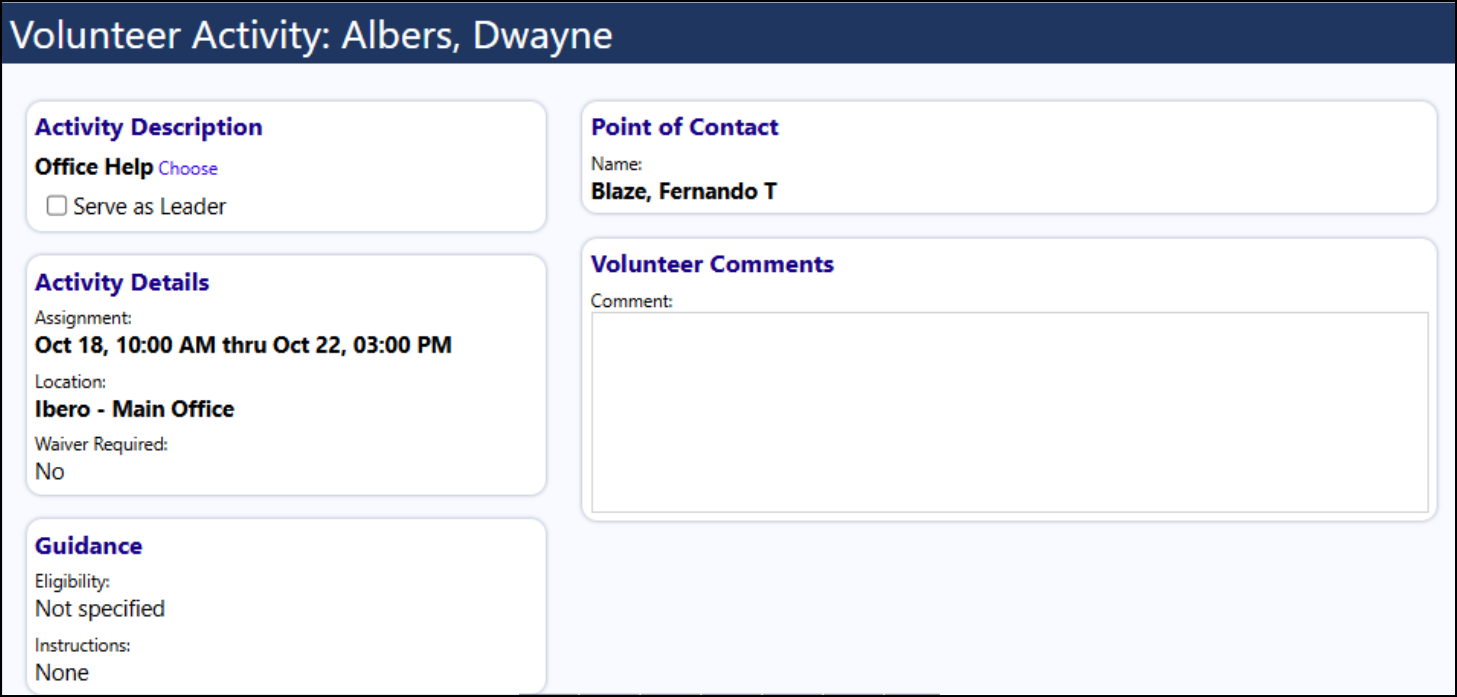
Add a General Volunteer not tied to any Community Event - they are not associated with any Community Event.

Add a Volunteer associated with a Community Event:

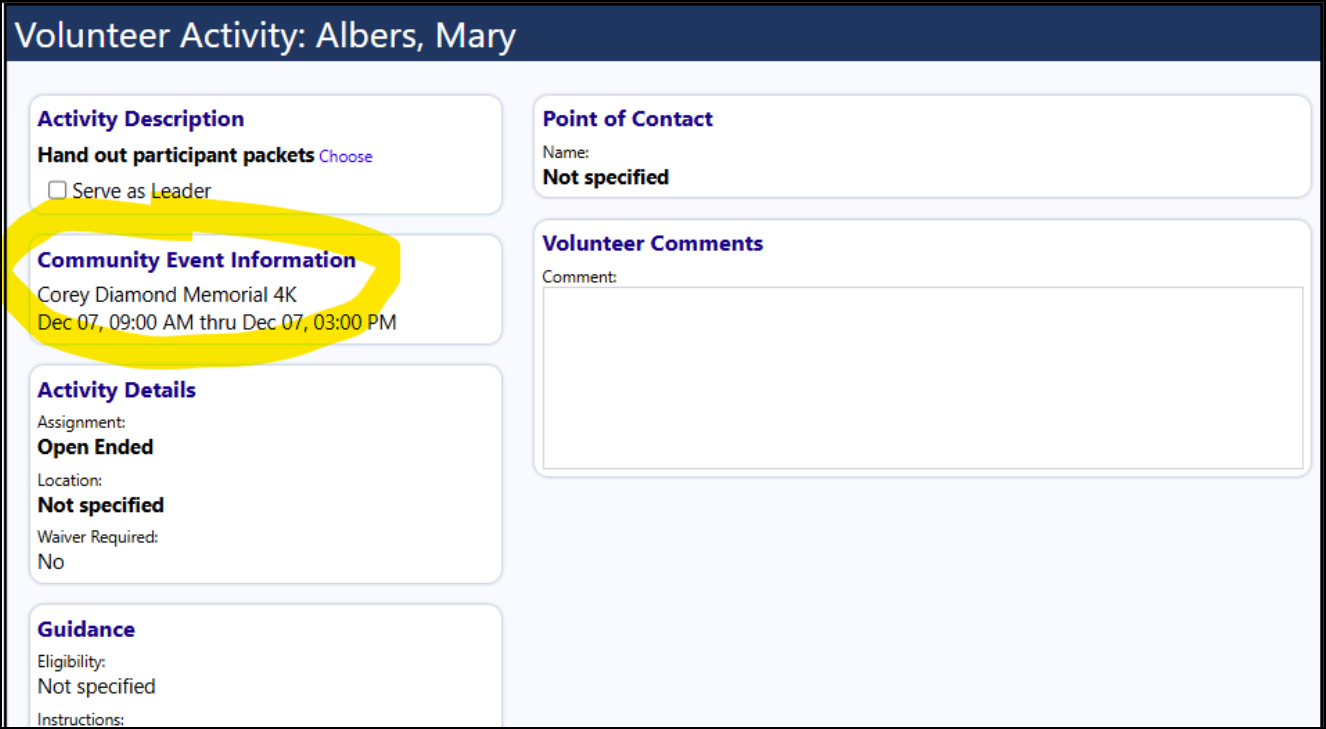
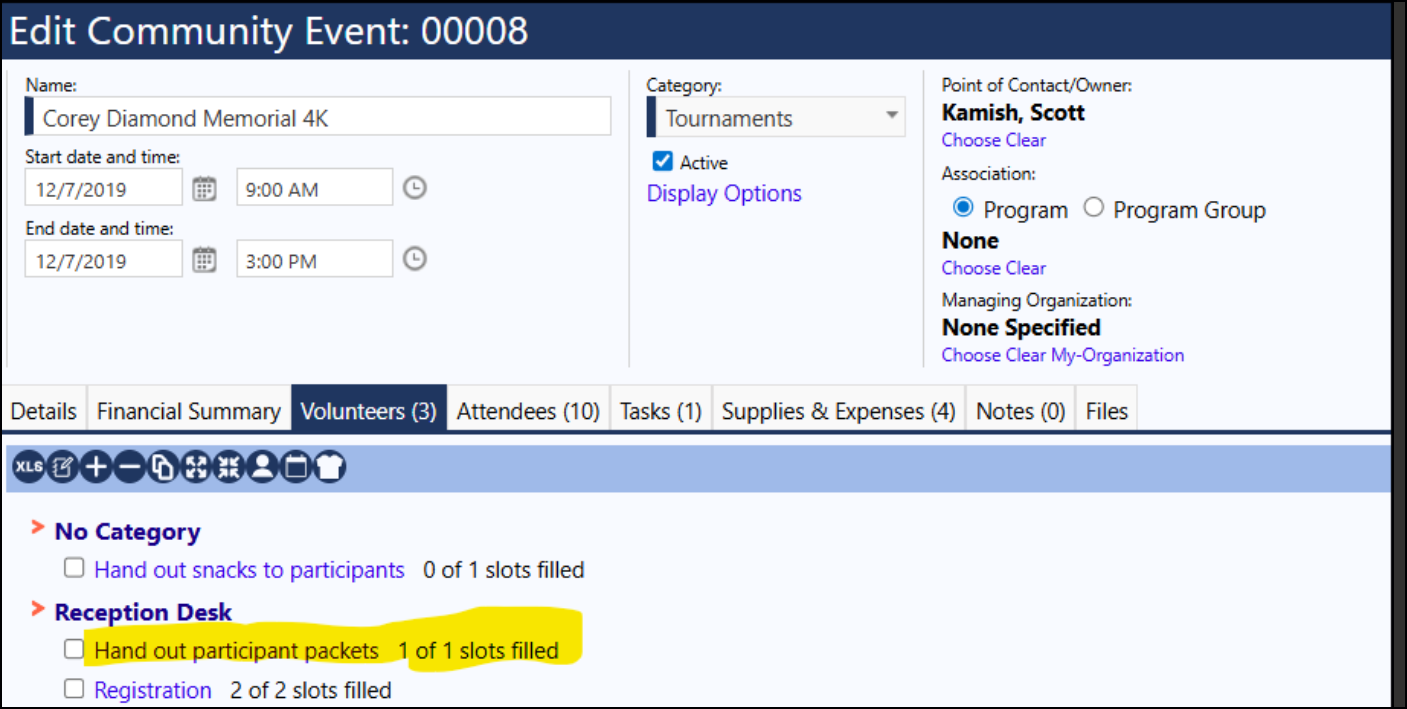
Clicking on the Community Event on the Volunteerism screen, the Community Event Opens:

Be sure the Volunteers tab displays. If it doesn't click on Edit then Display Options (a window will open) and select the Volunteers tab and Save.
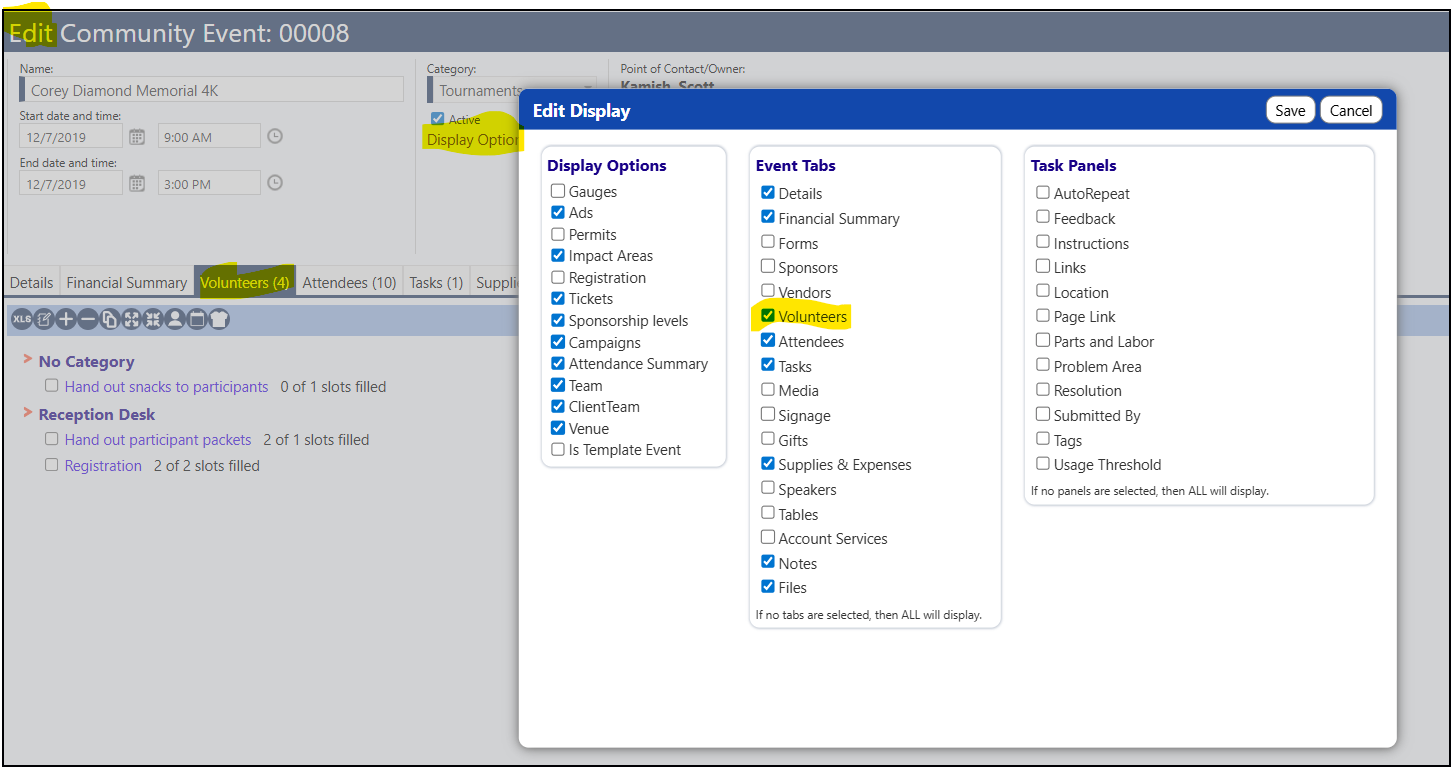
The Volunteers tab will now display.
If you expand the Volunteer Categories, you will see the volunteer activity your volunteer signed up for.
Click on that to see the name of the Volunteer(s):
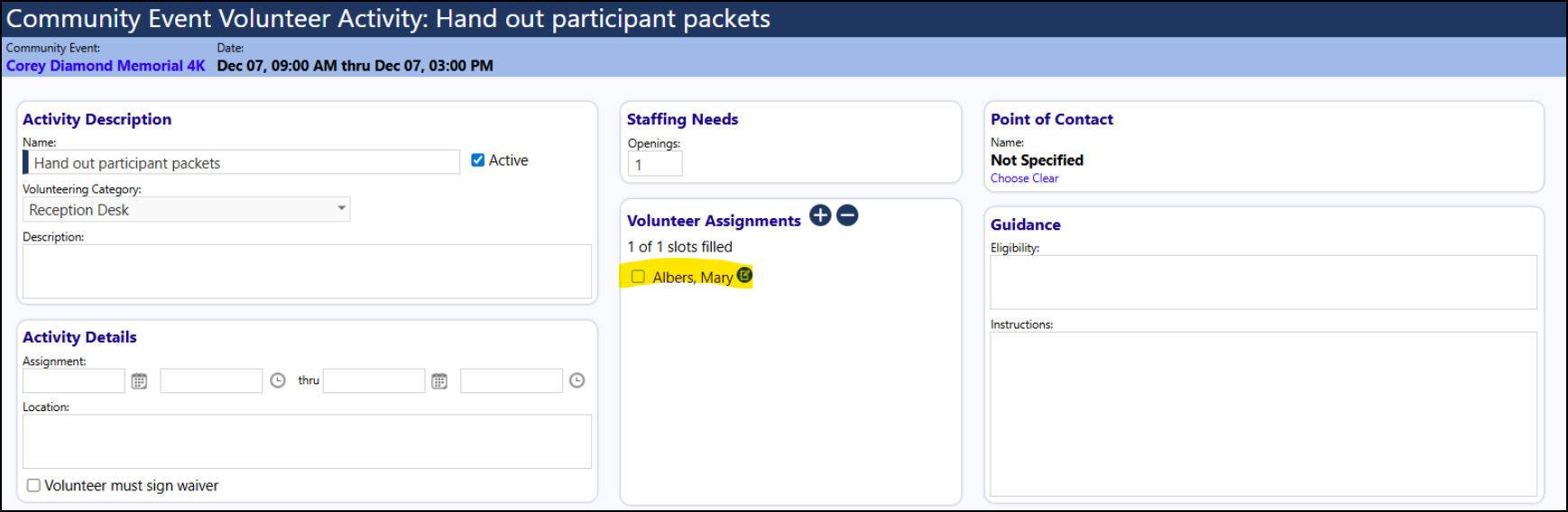
You can also add a Volunteer from this page...
Click on '+' under the Volunteer Assignments and select an account:
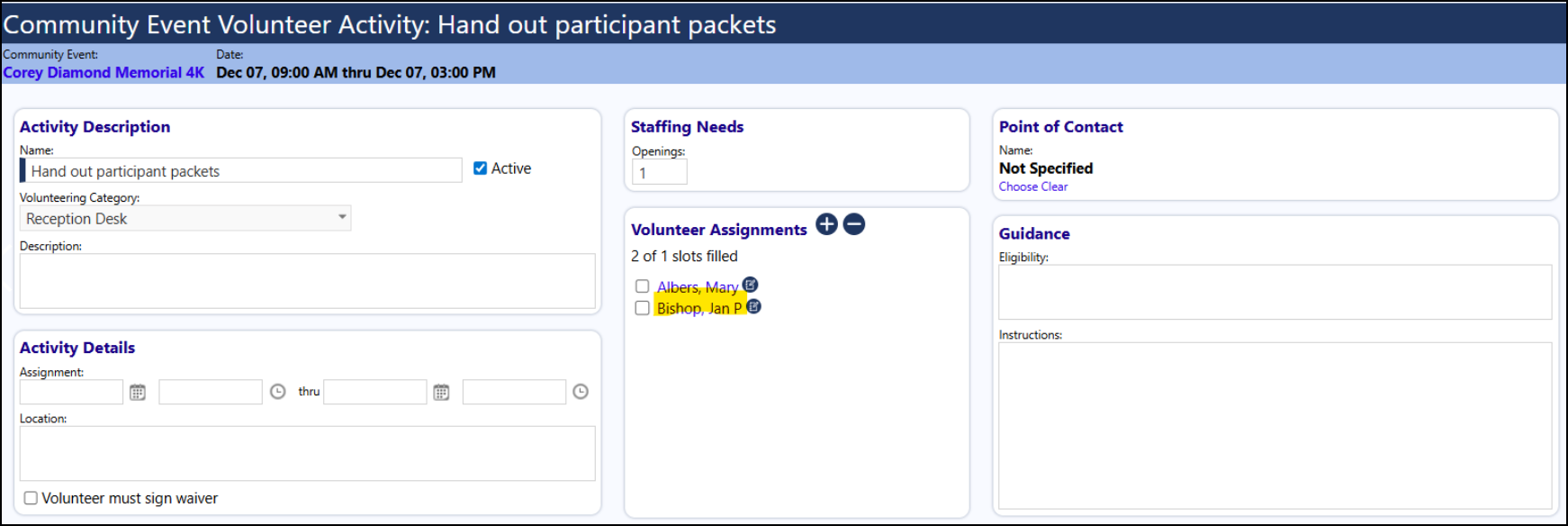
After saving the page, if you go back to the Volunteerism screen, you will see that individual signed up to volunteer for that Community Event:
