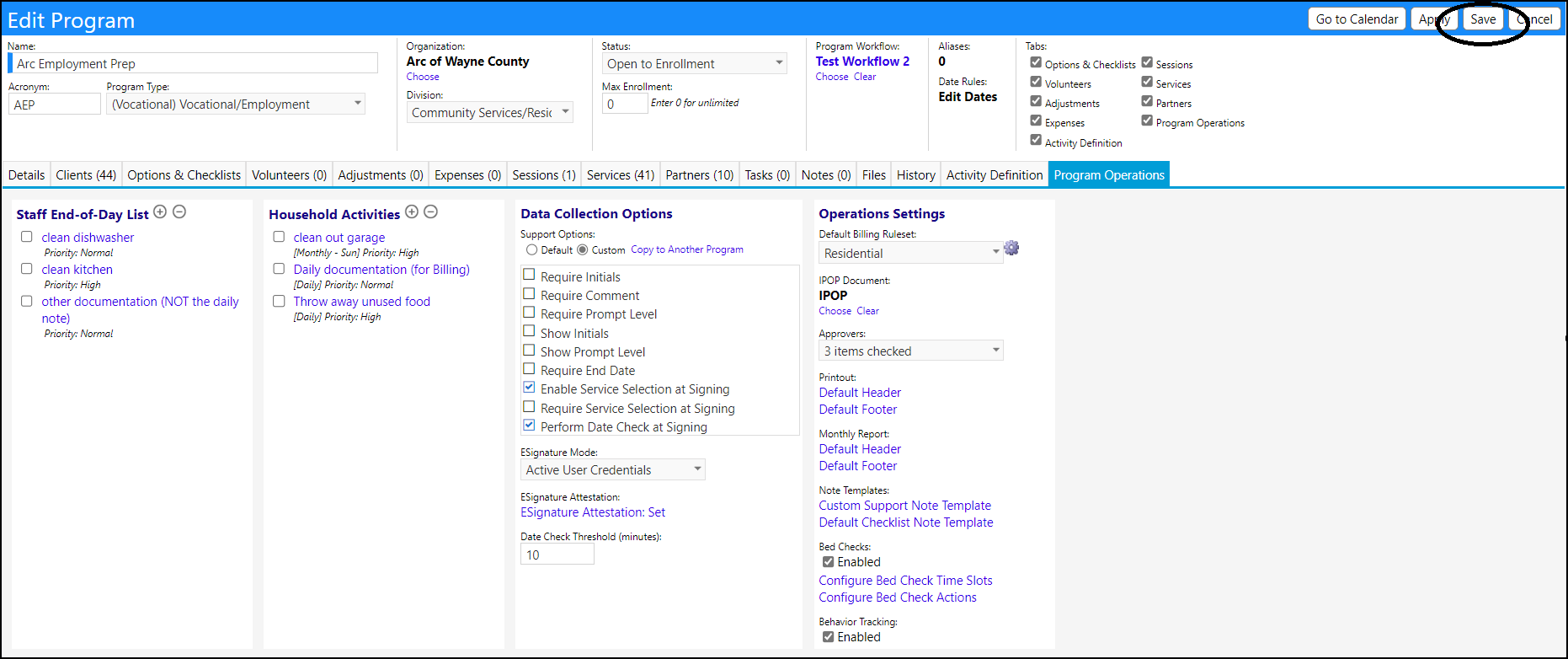
Bed Check Actions are set up in Programs.
- Open a program in Edit Mode
- Access the Program Operations tab
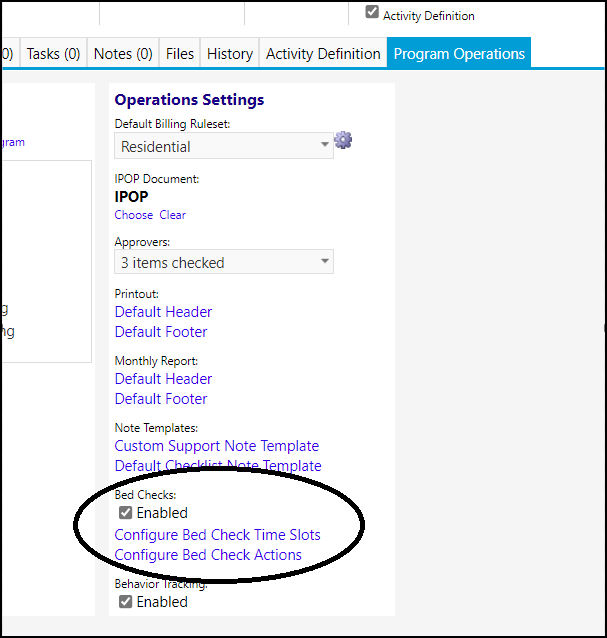
- Navigate to the Bed Checks and click on "Configure Bed Check Actions"
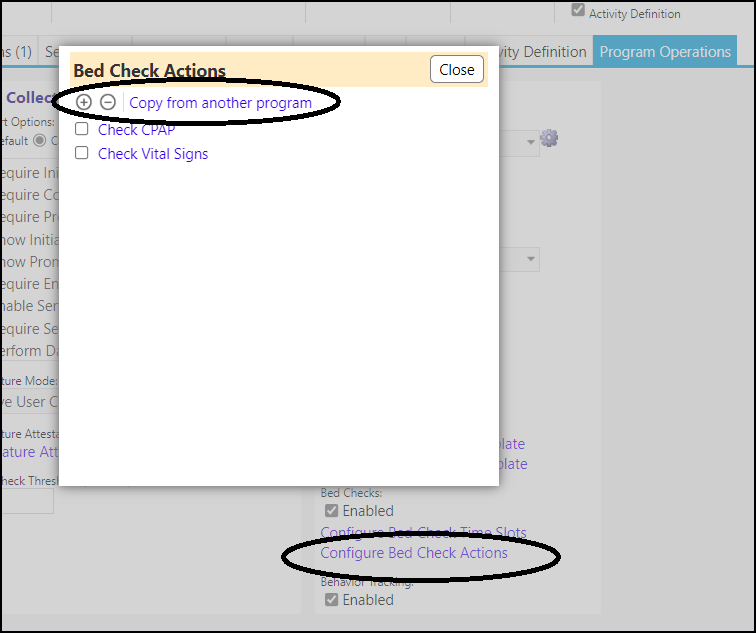
Add a new Bed Check Action
You can add a new Bed Check Action one of 2 ways:
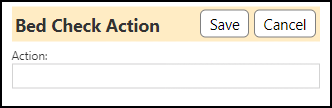
- by clicking on the '+' (conversely, select an action and click on the '-' to delete it)
- Enter an action and click on Save
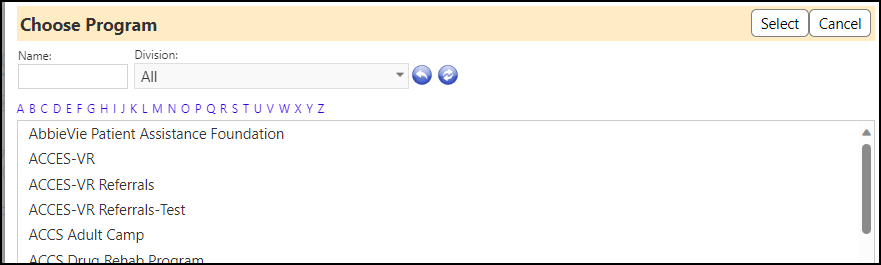
- by clicking on the "Copy from another program".
- Select the program from the selector list
After entering your selections, be sure to click Save on the Program to save your Bed Check additions and revisions.