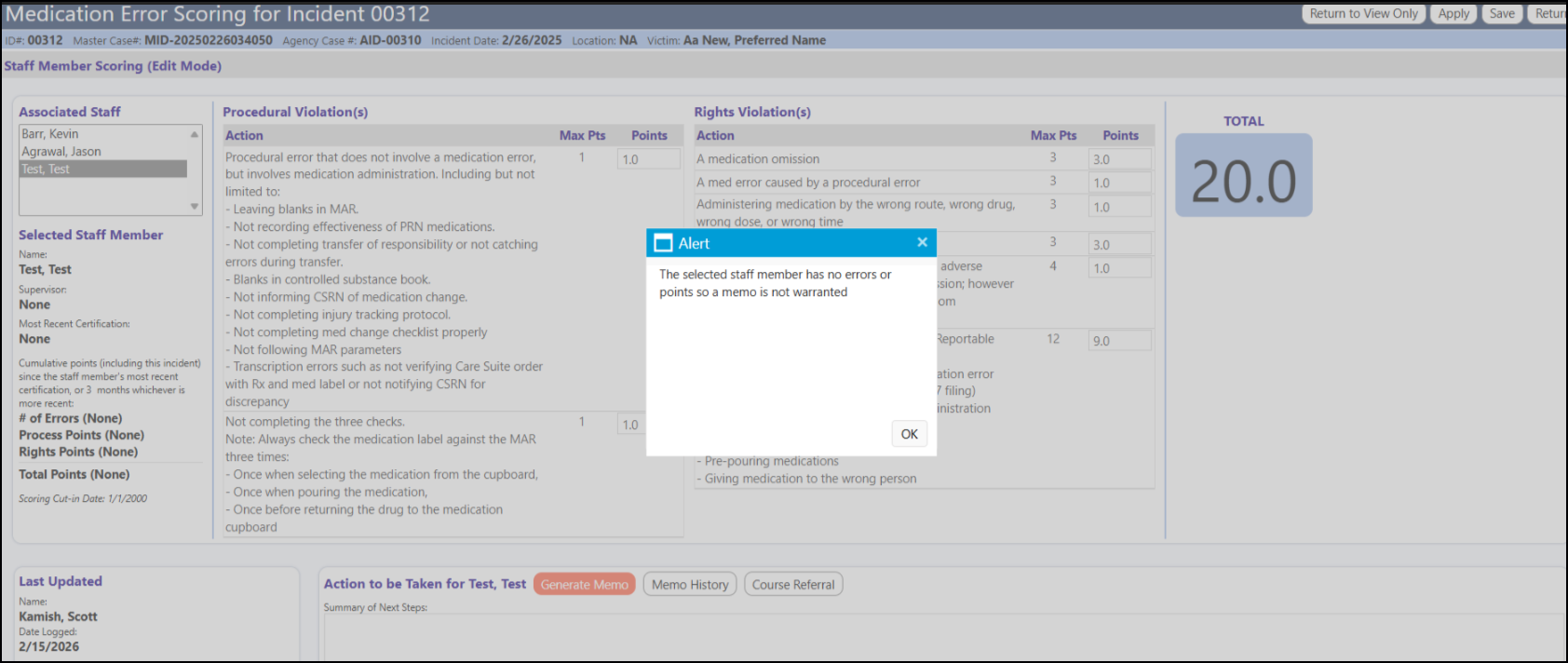
To activate the Generate Memo icon on the Staff Medication Error Scoring page, the code checks if the staff person has any points or medication errors linked to them. If both are 0, you get the message displayed below. But both are only checking for points/errors that are recent. The "Incident - Med Error Months" application setting defines how many months back to look for points/errors, and it only counts points/errors that happened between now and that many months back (and the points/errors have to be linked to that specific staff member).
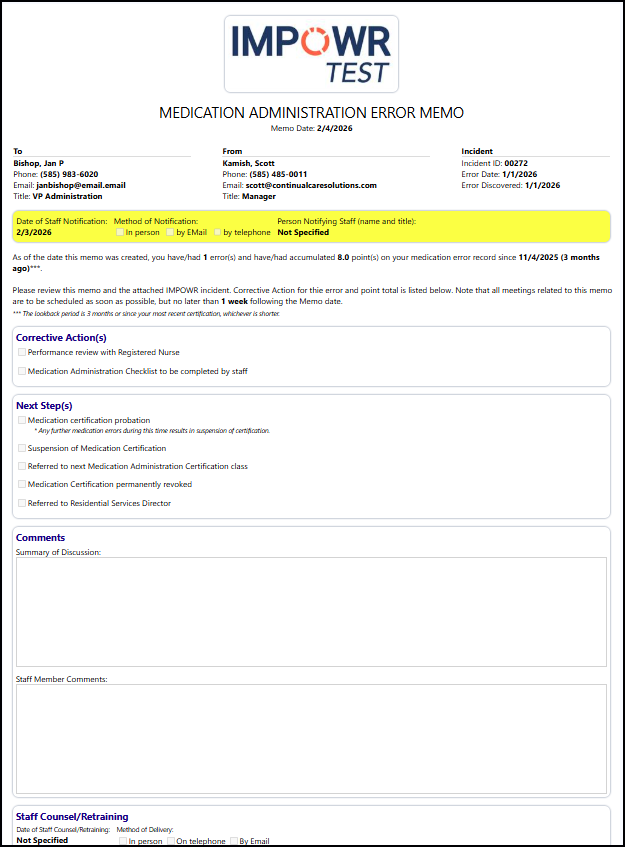
Once the Generate Memo button is active, and you click on it, a new memo is create and will automatically be sent to that individual and their manager. The memo is interactive requires entries to be made and boxes to be checked: